Office
A home office is the one room where bad equipment bills you every day, in back pain and lost time.
- 8 guides
- 1 head-to-head
- 33 products priced
Every Office guide
Desk Setup
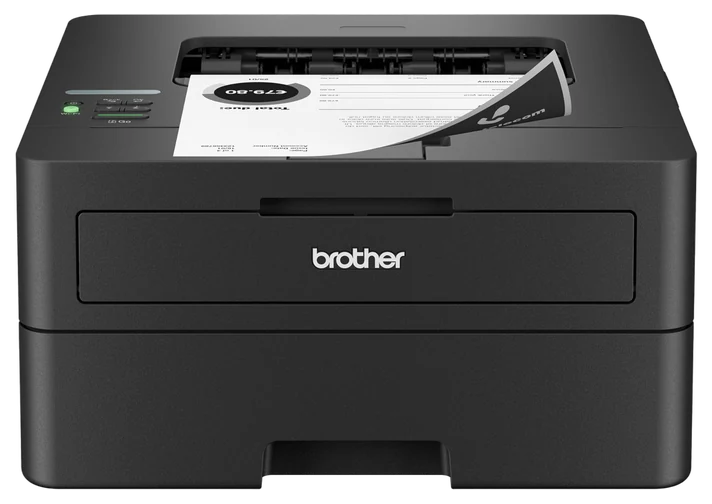
4 guides- Printers and ScannersRanked by running costNo. 1 Brother HL-L2460DW~$150–2205 picks
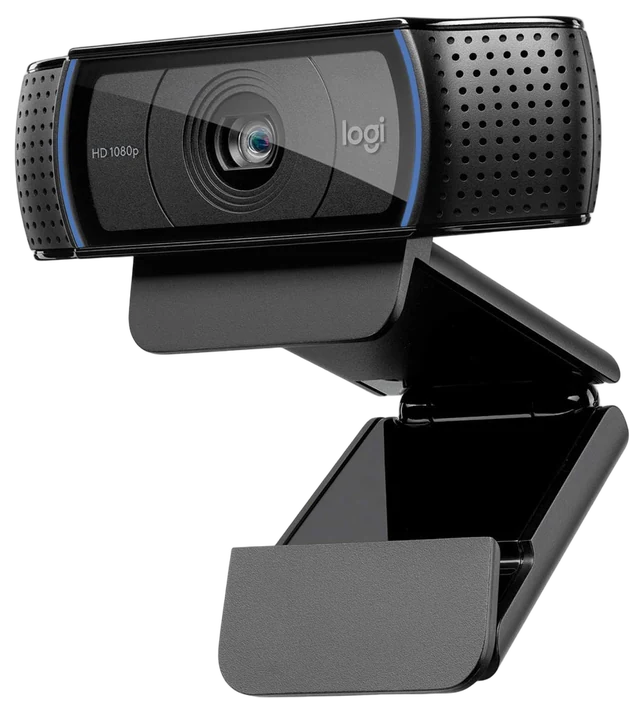
- Webcams and MicrophonesStreaming-grade without a studioNo. 1 Logitech C920s~$50–705 picks
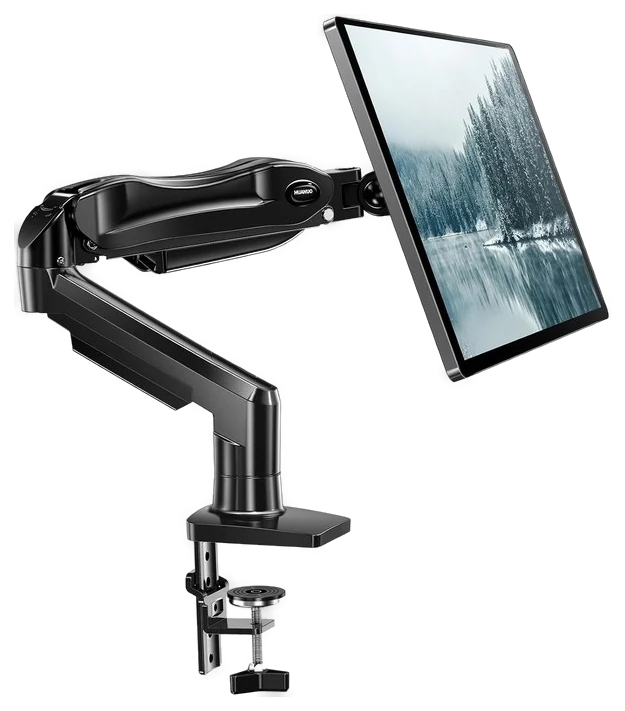
- Desk AccessoriesEverything under $150No. 1 HUANUO Monitor Arm~$30–605 picks
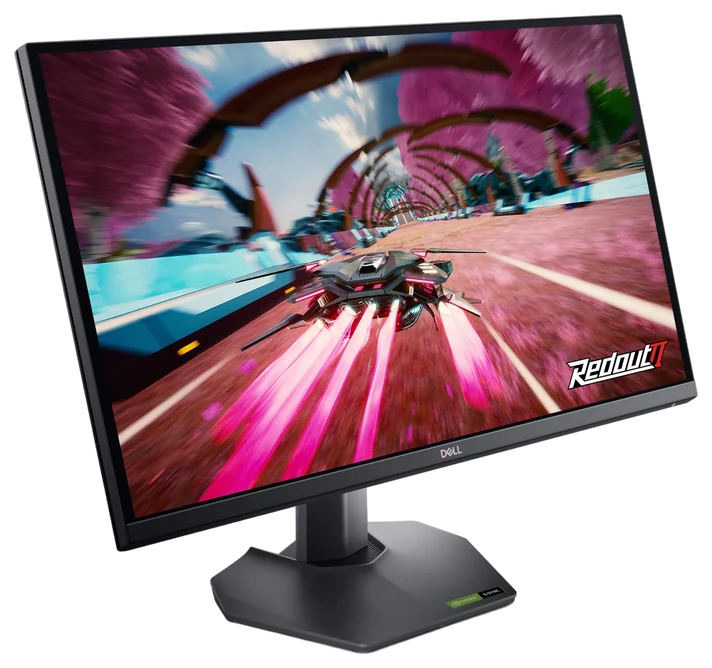
- Monitors and DocksFixing desk posture firstNo. 1 Dell 27″ QHD Monitor (G2724D)~$140–2005 picks
Chairs & Desks
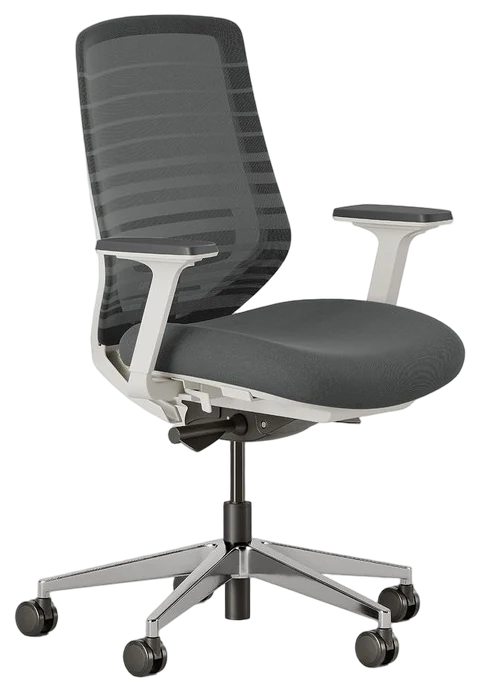
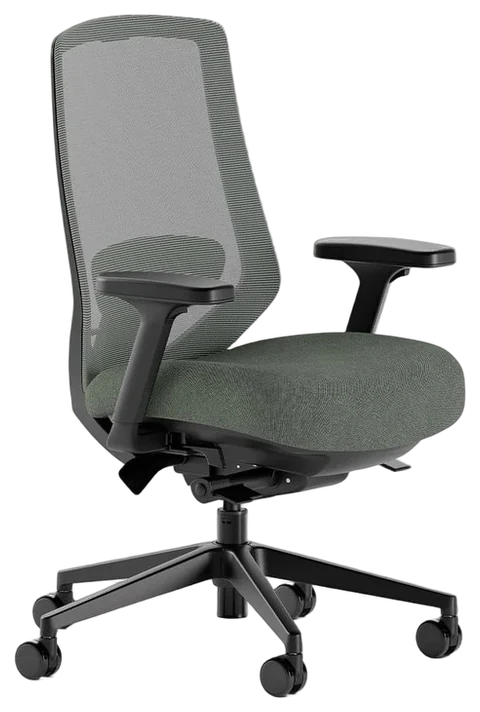
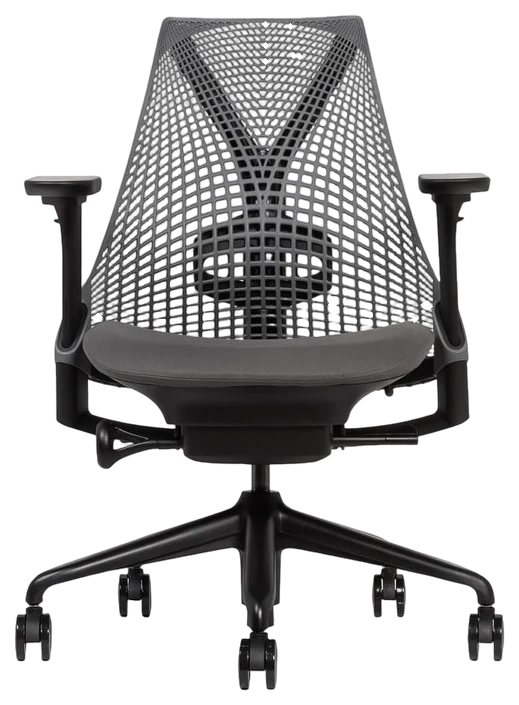
2 guides · 1 head-to-head- Office Chairs, Ranked From $150 Workhorses to Design IconsRanked from $150 workhorses to design iconsNo. 1 Branch Ergonomic Chair Pro~$470–5205 picks
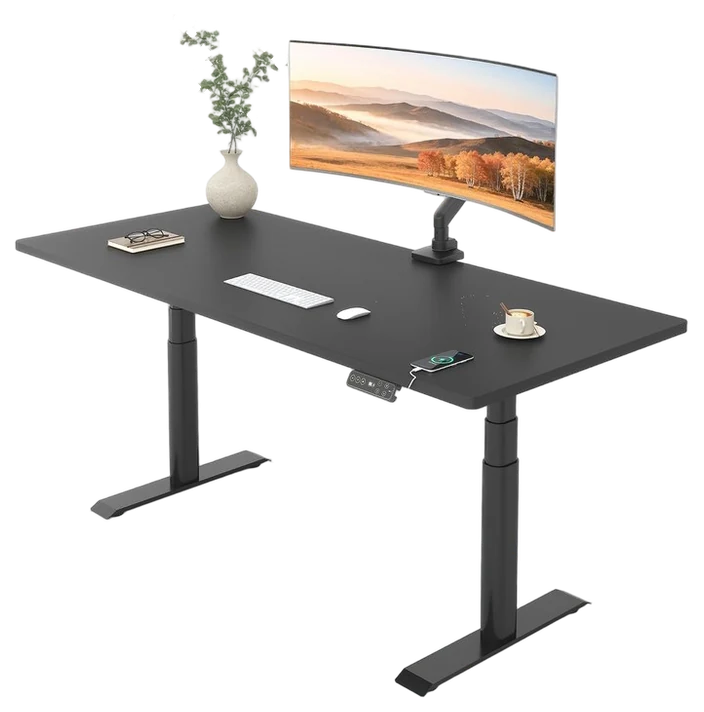
- Standing DesksDecided by stability and warrantyNo. 1 FlexiSpot E6 Pro~$350–5005 picks
- Head-to-headHerman Miller Sayl vs. Branch Ergonomic Chair ProIs the premium justified?Open the head-to-head
More Office
2 guides
No guide here matches that yet. Search all 147 guides
One No. 1 from every corner.
The top pick from each part of Office.
About this department
These guides cover desks, standing desks, chairs, monitors, docks, printers, scanners, webcams and the small accessories that quietly decide whether the setup works.
What varies. Adjustability and running cost. Chairs come down to whether the adjustments fit your body, which puts seat depth and lumbar position far ahead of the mesh. On a standing desk it is the motor, stability at full height and the weight rating. Monitors are decided by panel type and the stand, and a great panel that will not rise to eye level is an ergonomic problem you will pay for.
What to budget. Spend by hours used. A chair you sit in forty hours a week justifies $250–500, and it is the last place to economize. Standing desks are honest value at $300–600. Monitors hit a sweet spot at $200–400 for a 27-inch 1440p panel. Printers invert the usual rule: a $150–220 mono laser costs a fraction per page of a $70 inkjet, so the cheap machine is the expensive choice.
The mistakes that cost most. Buying a desk before measuring the room and your chair’s arm height. Choosing a printer on sticker price without checking cartridge cost, which is where the entire industry makes its money. Treating the webcam as an afterthought when it is the thing everyone else experiences you through.
These guides are compiled from published specifications, independent testing published elsewhere, and long-term owner reports, and each one says plainly who should skip the pick.
Where to next
Browse another department.
- Gifts88 products · 22 guides
- Home & Kitchen55 products · 22 guides
- Health & Wellness81 products · 19 guides
- Electronics40 products · 12 guides
- Gaming45 products · 12 guides
- Clothing & Accessories50 products · 12 guides
- Beauty39 products · 11 guides
- Smart Home43 products · 11 guides
- Baby & Kids34 products · 10 guides
- Pets30 products · 8 guides
- Sports & Outdoors33 products · 7 guides