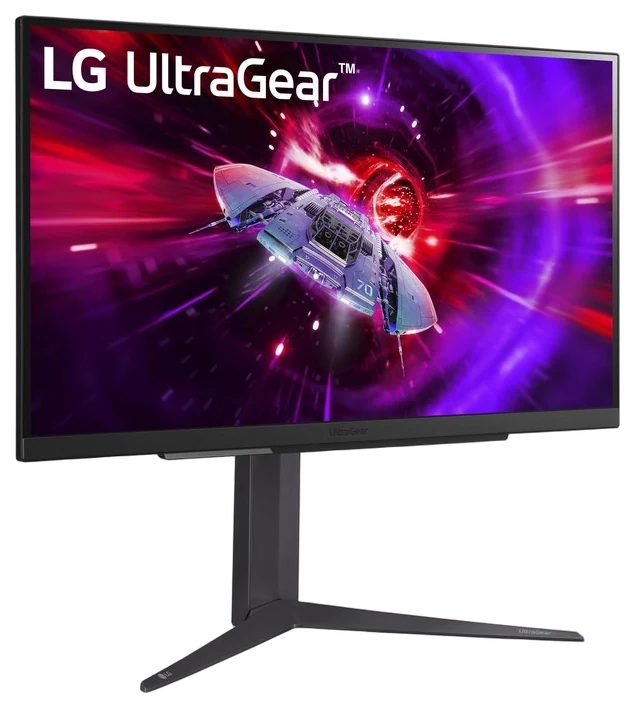
No. 1: LG UltraGear 27″ QHD
The Best Gaming Monitors of 2026: Why 1440p Is Still the Sweet Spot
Five TVs with HDMI 2.1 4K/120 for the PS5 Pro, from a ~$600 Mini-LED to OLED. The Pro tops out at 4K/120, so your room's light decides between Mini-LED and OLED. We compared the makers' spec pages and retailer listings, not screens set up at home.
No. 1 · Our pick · For most people
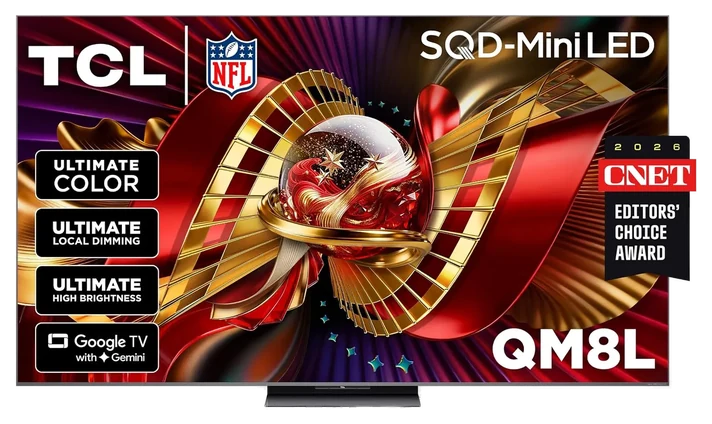
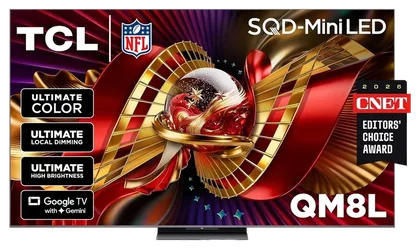
The TCL QM8L, ~$950–1,050 (65″), if you want every HDMI port at 4K/144 and Mini-LED brightness for under $1,100.
~$950–1,050Estimated price
 No. 1 · Best overallTCL QM8L~$950–1,050View on Amazon
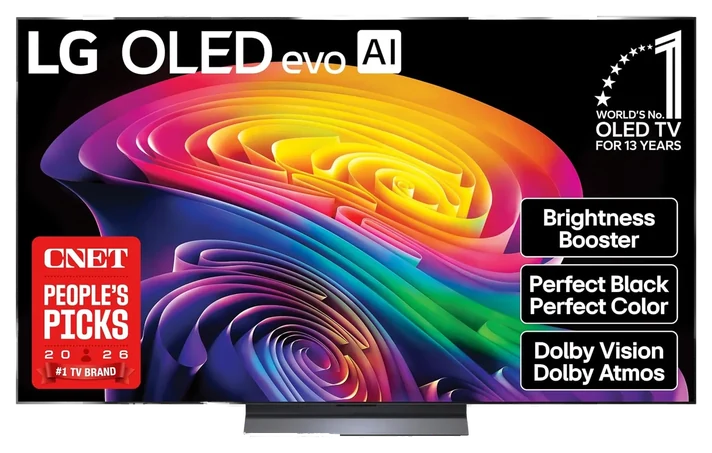 No. 2 · Best OLEDLG C6 OLED~$1,300–1,450View on Amazon
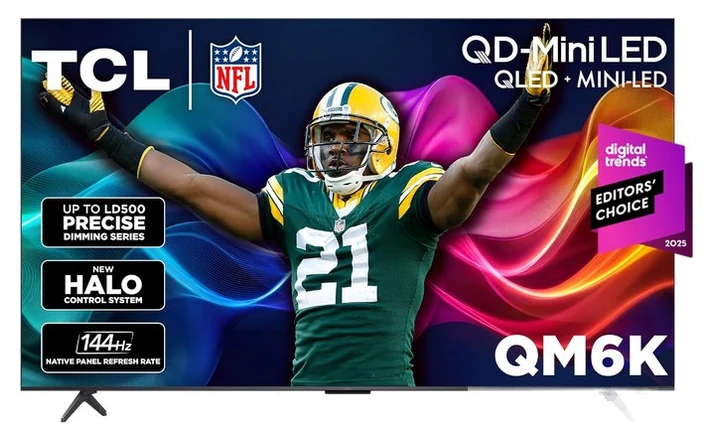 No. 3 · Best budgetTCL QM6K~$550–650View on Amazon
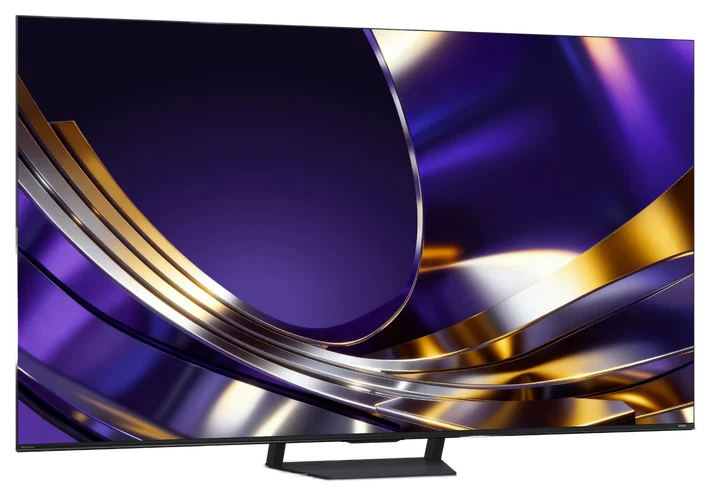 No. 4 · Best under $900Hisense U7SG~$750–850View on Amazon
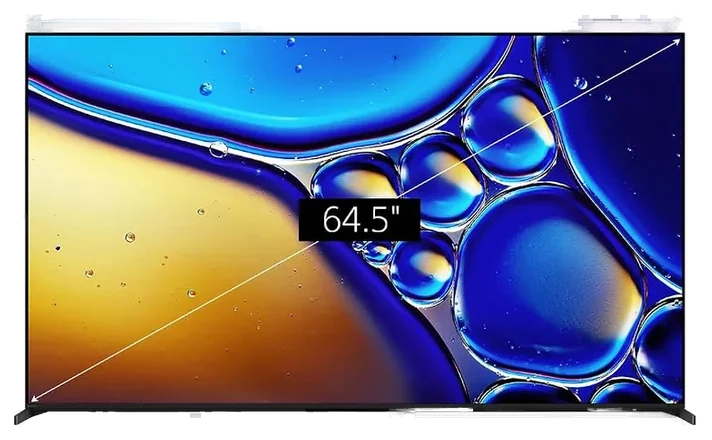 No. 5 · Best for PS5 auto-setupSony Bravia 8 II~$2,100–2,300View on Amazon
| Differences | No. 1TCL QM8L | No. 2LG C6 OLED | No. 3TCL QM6K | No. 4Hisense U7SG | No. 5Sony Bravia 8 II |
|---|---|---|---|---|---|
| Price rangeon one $550–2,300 scale | ~$950–1,050 | ~$1,300–1,450 | ~$550–650 | ~$750–850 | ~$2,100–2,300 |
| Panel | SQD Mini-LED | OLED | QD-Mini LED | Mini-LED | QD-OLED |
| 4K/120 HDMI ports | 4 of 4 | 4 of 4 | 2 of 4 | 4 of 4 | 2 of 4 |
| PS5 extras | None | None | None | None | Auto HDR Tone Mapping, Auto Genre Picture Mode |
| Price (65") | ~$950–1,050 | ~$1,300–1,450 | ~$550–650 | ~$750–850 | ~$2,100–2,300 |
From each pick’s review below. We compared maker specs and listings, not readings we took.
We compared each TV’s HDMI 2.1 ports, refresh rate, gaming features and price, using the makers’ own spec pages where they were readable and retailer listings where they weren’t. We didn’t set up any of these TVs ourselves, and we say when a figure rests on a retailer rather than a maker. How we chose How we verify Corrections logged publicly
Updated, 17 November 2026. Our under-$900 pick is now the Hisense U7SG, which replaces the TCL QM7L. Hisense’s spec table confirms four HDMI 2.1 inputs on the U7SG, against two fast inputs on the QM7L, and Amazon listed it for less on 17 Nov 2026.
Pick 1 of 5: No. 1 · Best overall
Four fast ports under $1,100
The TCL QM8L is the pick for a PS5 Pro in a bright living room. TCL’s spec table lists four HDMI 2.1 inputs at 4K/144Hz, with VRR, ALLM and FreeSync Premium Pro, so the console, a streamer and a second device can all sit on fast ports. It has a native 144Hz SQD Mini-LED panel and supports Dolby Vision IQ, HDR10+ and HLG. The Pro never sends more than 120Hz, so the 144Hz rating matters only if a PC joins the setup.
Amazon’s price on the 65-inch ran about $998 in two reads on 17 Nov 2026, far below TCL’s regular price, so this is a deal price. Re-check the button before you commit. TCL quotes peak brightness and dimming zones as series maximums, so we print no nits or zone figure for the 65-inch. GTA 6 targets 30fps on the Pro, per Rockstar’s 10 Nov Newswire post, which makes brightness and contrast matter more here than refresh rate; our PS5 Pro vs. PS5 Slim comparison covers the console side.
Pick 2 of 5: No. 2 · Best OLED
OLED contrast, every port at 4K/120
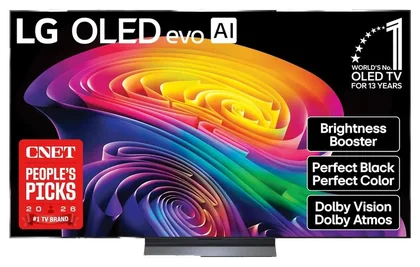
The LG C6 OLED is the pick for a dim room. LG’s spec page lists four HDMI inputs that support 4K 120Hz, VRR and ALLM, with eARC on HDMI 2, plus Dolby Vision, NVIDIA G-Sync and AMD FreeSync Premium. LG rates the refresh at 165Hz for a PC with a 165Hz graphics card, while the PS5 runs 120Hz, and quotes a 0.1ms response time, which is a pixel-response figure, not input lag. OLED’s per-pixel black is the reason to pay about $350 more than the QM8L.
The trade-offs are brightness and static images. An OLED is dimmer than the Mini-LEDs here in a room with a window behind the couch, and a game HUD left on screen for hours a day is a burn-in risk on any OLED. Amazon showed $1,349.99 to $1,399.99 across three reads on 17 Nov 2026, with third-party offers on the listing, so check who is selling before you buy.
Pick 3 of 5: No. 3 · Best budget
4K/120 and VRR for about $600
For about $600, the TCL QM6K still does 4K/120 and VRR. TCL’s page lists a native 144Hz panel, variable refresh rate up to 144Hz, ALLM and up to LD500 dimming, and four HDMI inputs, one with eARC. The page doesn’t label which inputs are HDMI 2.1; retailer listings and reviews say two, so plug the PS5 Pro into the port your manual marks for 4K/120 and turn on 120Hz output in the console’s settings.
Two fast ports are the limit. If you run a console, a PC and a soundbar passthrough that all need 4K/120, you’ll run out, and its HDR is dimmer and less precise than the QM8L’s. For one or two devices it does what the Pro asks of a TV for about $600: Amazon showed $597.99 in three reads on 17 Nov 2026. Because GTA 6 targets 30fps, per Rockstar, HDR punch matters more than refresh rate, so step up to the QM8L if a bright room is your situation. Our best TVs of 2026 guide covers the wider market.
Pick 4 of 5: No. 4 · Best under $900
Four HDMI 2.1 ports for about $800
If your ceiling is $900, the Hisense U7SG is the middle step, and it’s the one with the most fast inputs for the money. Hisense’s spec table for the 65U7SG lists four HDMI 2.1 ports and a native 165Hz panel, so the PS5 Pro, a PC and a second console can each get a full-speed input. Hisense also lists VRR through its Game Booster 330 mode, AMD FreeSync, Dolby Vision and a 2.1.2 speaker system tuned by Devialet.
Amazon showed $797.99 on 17 Nov 2026, about $200 under the QM8L. Hisense’s pages we read don’t name ALLM, so after you connect the Pro, check that the TV’s Game Mode switches on by itself, or turn it on by hand. Hisense rates the panel at up to 3,000 nits peak, a maker figure for a highlight rather than the whole screen. If the QM8L drops toward $800, take it for TCL’s higher brightness ceiling; otherwise the U7SG gives you four 4K/120 inputs for less. It’s a 2026 model, so retailer listings may still mix in the older U7 series; check the listing says 65U7SG.
Pick 5 of 5: No. 5 · Best for PS5 auto-setup
The PS5 sets its HDR up itself
The Sony Bravia 8 II is the pick if you’d rather the console set its own HDR. Sony’s spec sheet lists two PS5 features only Bravia sets get: Auto HDR Tone Mapping, which optimizes HDR during the PS5’s first setup, and Auto Genre Picture Mode, which switches the picture by content. Sony’s footnote says both need the PS5 paired to the TV, with the feature enabled at first setup or after a console reset. It’s a QD-OLED panel with Dolby Vision.
The catch is ports and price. Sony’s sheet says 120Hz is supported on HDMI 3 and 4 only, so two of four inputs carry 4K/120, VRR and ALLM. Amazon showed $2,198 in two reads on 17 Nov 2026, about $850 more than the LG C6, with third-party sellers on the listing. The C6 is an OLED too, with four 4K/120 inputs, and you can set the PS5’s HDR adjustment by hand once and keep the money. See our best TVs of 2026 for the wider field.
Pick any two of the five. Rows that match say so once; the rest sit side by side, as each review states them.
Price range
~$950–1,050
~$1,300–1,450
Panel
SQD Mini-LED
OLED
4K/120 HDMI ports
4 of 4Same on both
PS5 extras
NoneSame on both
Price (65")
~$950–1,050
~$1,300–1,450
6 common questions, answered.
For 4K/120 and VRR, yes. The Pro supports 60Hz and 120Hz displays, per Sony’s PS5 Pro page, and Sony’s support page says VRR needs an HDMI 2.1 TV that supports it. On a 4K/60 TV the console still runs, at 60Hz.
No. The PS5 sends at most 120Hz; higher rates are for PCs, and LG’s own spec page says its 165Hz figure needs a PC graphics card. Buy for HDMI 2.1 ports, VRR and brightness instead.
No. GTA 6 targets 30fps on the PS5 Pro, per Rockstar’s Newswire post of 10 Nov 2026, and the Pro adds PSSR and ray-traced shadows. 120Hz and VRR help other games with performance modes. See PS5 Pro vs. PS5 Slim for the console side.
Pick by room light: OLED (the LG C6) for dim rooms, Mini-LED (the TCL QM8L) for bright ones. OLED’s burn-in risk rises with a static HUD left on screen for hours a day.
Only for setup. Sony says Auto HDR Tone Mapping and Auto Genre Picture Mode are features of Bravia TVs, and its sheet calls them exclusive. Other TVs get the same 4K/120 and VRR, and you run the PS5’s HDR adjustment once yourself.
Open Settings, Screen and Video, then Video Output, and enable 120Hz output, VRR and ALLM, using the included HDMI cable or an Ultra High Speed one, per Sony’s support page. Plug into a 4K/120 port: any HDMI input on the U7SG, HDMI 3 or 4 on the Bravia 8 II. Before you mount a TV, follow CPSC’s Anchor It advice on tip-overs.
We compared each TV’s HDMI 2.1 ports, refresh rate, gaming features and price, using the makers’ own spec pages where they were readable and retailer listings where they weren’t. We didn’t set up any of these TVs ourselves, and we say when a figure rests on a retailer rather than a maker. Prices are estimated ranges for the 65-inch size. Updated November 2026. Prices are always moving, so every button and link pulls the live listing.
How we rank
Published specifications, verified owner reviews, and independent safety or standards data where it applies — weighted the same for every pick, never sponsored placement.