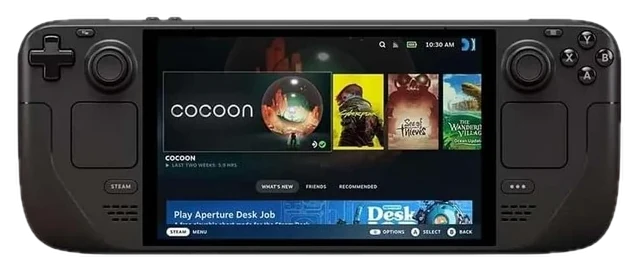
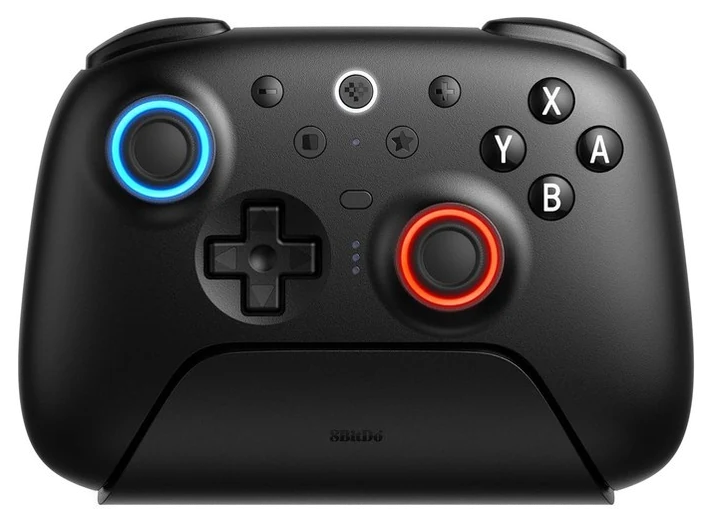
No. 1: 8BitDo Ultimate 2
The Best Game Controllers of 2026, From Budget Spares to Pro-grade Pads
27-inch 1440p at high refresh is where price, sharpness and frame rate meet. We compared panel testing and long-term reviews to pick five monitors across the budget spectrum, with the specs side by side.
No. 1 · Our pick · For most people
The enthusiast benchmark and the best overall pick here.
~$300–450 by modelEstimated price
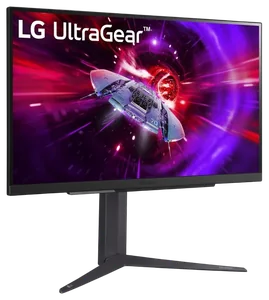
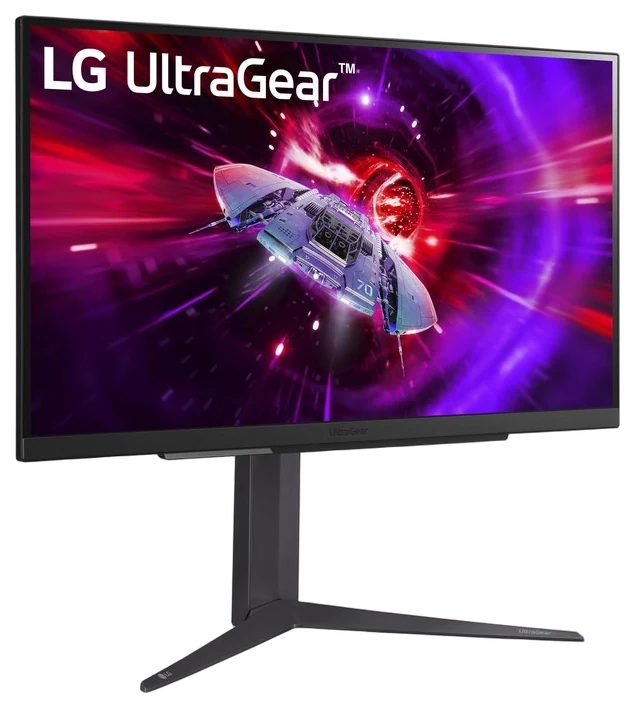 No. 1 · Best overallLG UltraGear 27″ QHD~$300–450 by modelView on Amazon
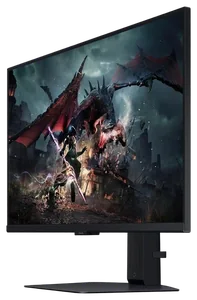
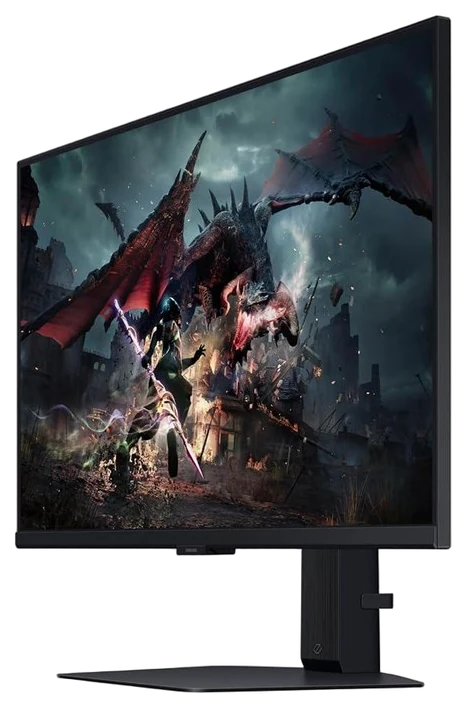 No. 2 · Best valueSamsung Odyssey G5~$150–220View on Amazon
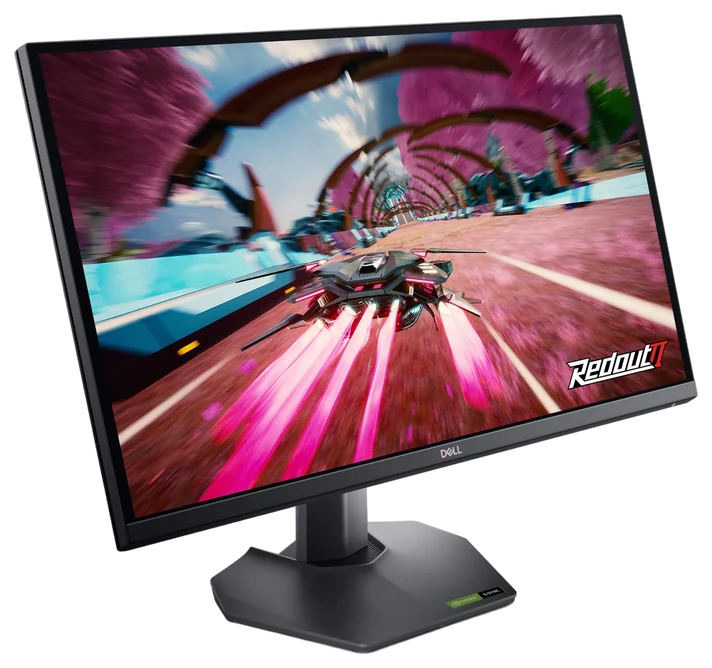 No. 3 · Best warrantyDell 27 QHD (G-series)~$150–200View on Amazon
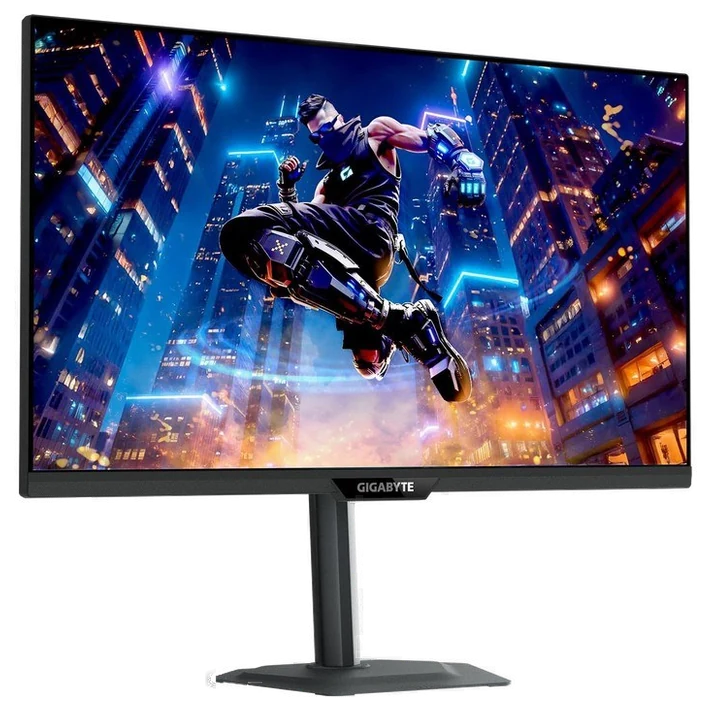 No. 4 · Best for work + playGigabyte M27Q2~$155–165View on Amazon
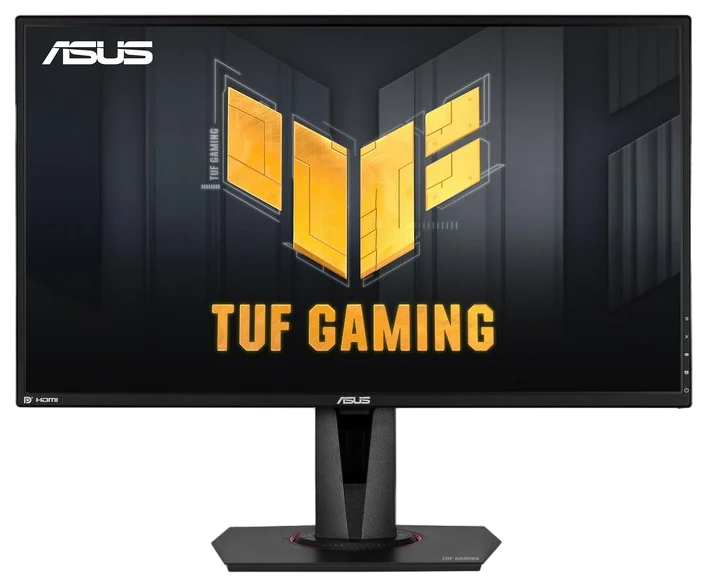 No. 5 · Best on saleASUS TUF VG27AQ~$200–260View on Amazon
| Differences | No. 1LG UltraGear 27″ QHD | No. 2Samsung Odyssey G5 | No. 3Dell 27 QHD (G-series) | No. 4Gigabyte M27Q2 | No. 5ASUS TUF VG27AQ |
|---|---|---|---|---|---|
| Price rangeon one $150–450 scale | ~$300–450 by model | ~$150–220 | ~$150–200 | ~$155–165 | ~$200–260 |
| Panel | IPS | VA/IPS by model | IPS | SS IPS | IPS |
| Resolution / Refresh | 2560×1440 · up to 240Hz | 2560×1440 · 165Hz | 2560×1440 · 144–165Hz | 2560×1440 · 200Hz (OC 210Hz) | 2560×1440 · 165Hz |
| Standouts | Fast IPS, G-Sync compatible | Aggressive pricing, FreeSync | Premium build, 3-yr warranty | Built-in KVM switch | ELMB motion clarity, HDR10 |
From each pick’s review below. We compared maker specs and listings, not readings we took.
We compiled panel measurements from RTINGS and Monitors Unboxed, plus owner reliability reports, prioritizing tested response times over marketing numbers. How we chose How we verify Corrections logged publicly
The short answer led with the Dell 27 QHD while the guide ranks the LG UltraGear 27-inch QHD first. It now leads with the LG UltraGear 27-inch QHD, with the Dell 27 QHD kept as the next suggestion. No product or price changed.
The Gigabyte M27Q is discontinued. Its successor, the Gigabyte M27Q2, takes its place at about $155–165.
Dated notes already published on this page, newest first. Every correction we make is logged on the corrections page.
Pick 1 of 5: No. 1 · Best overall
The enthusiast benchmark
LG’s UltraGear 27-inch line has defined the 1440p gaming panel for years: Fast IPS response with none of the smearing older panels suffered, color good enough for daytime work, and refresh options stretching to 240Hz depending on the model year you catch.
The measurements carry the reputation: Monitors Unboxed described the 27GP850 as LG retaking the 1440p IPS performance throne, and RTINGS clocked its average response at 4.65ms in Fast overdrive. Motion stays clean in fast shooters, and adaptive sync covers both GPU camps. It’s the rare monitor equally at home in a competitive lobby and a photo-editing session.
The line’s breadth is the only trap: model numbers proliferate, not all of them share a panel technology (the 27GS95QE is WOLED, not the Fast IPS this pick is built on), and pricing swings from $300 to $450 at Amazon by refresh tier and vintage. Buy the highest refresh inside your budget and skip the rest of the alphabet soup. Budget-first builders should compare the Odyssey G5 below.
Pick 2 of 5: No. 2 · Best value
The mainstream value pick
The Samsung Odyssey G5 exists to make high-refresh 1440p boring and affordable, and it succeeds. Check the model code before you click, because G5 is a family name rather than a monitor: the curved VA G55C runs 165Hz and is the panel described below, while the flat Fast IPS G50D and G50F run 180Hz and behave differently. Whichever you land on, this is the line that appears in every “best under $250” conversation and stays there year after year.
The VA panel brings stronger contrast than the IPS picks, blacks look dark for a gaming monitor, and motion at this refresh tier stays clean for all but the most demanding competitive players. FreeSync Premium covers tearing; the 1000R curve on curved variants suits single-viewer desks.
Trade-offs are classic VA: viewing angles narrow and some dark-scene smearing shows in the fastest titles, the UltraGear wins for esports purists. But Samsung’s sales cadence pushes the G5 under $200 at Amazon routinely, and at that price it’s the rational default for most builds.
Next: No. 3, Dell 27 QHD (G-series)Torn? Compare it with No. 3
Pick 3 of 5: No. 3 · Best warranty
The no-drama workhorse
Dell’s 27-inch QHD G-series, currently the G2725D, rarely tops a single benchmark and constantly tops “most recommended” lists anyway, because it optimizes the variable spec sheets ignore: ownership. Factory calibration that respects color, clean design without gamer cosplay, and the industry’s most painless warranty.
That warranty deserves its reputation: advanced exchange ships a replacement before you return the defective unit, and premium-panel coverage takes dead pixels seriously, terms the value brands don’t match. One caveat belongs here rather than in the small print: RTINGS, comparing the G2725D directly against the G2724D it replaced, found the newer model worse on motion handling and build, and it drops variable refresh rate with consoles. The 180Hz IPS panel still tests solidly for PC play at this price, but this is a replacement that went backwards in places, and a G2724D still in stock somewhere is worth taking.
You pay a modest premium over the G5 for that peace of mind, and RGB enthusiasts will find it plain. At $150–200 on Amazon, it’s the monitor you buy to stop thinking about monitors, the office-and-gaming double-lifer.
Pick 4 of 5: No. 4 · Best for work + play
The KVM productivity sleeper
The Gigabyte M27Q2’s cult status carries straight over from the original M27Q: a built-in KVM switch, with its own dedicated button, flips your keyboard, mouse, and screen between your desktop and work laptop with one press. Work-from-home gamers still find their monitor here.
The specs are strong for the price: 200Hz native refresh (overclockable to 210Hz) on the same SS IPS panel class, VESA DisplayHDR 400 certification, and 99% DCI-P3 coverage. USB-C input still powers the laptop-KVM trick with a single cable, so it’s two setups occupying one desk without a cable-swap ritual.
At $155–165 on Amazon, nothing else merges the work laptop and gaming desktop this cleanly for this little money.
Pick 5 of 5: No. 5 · Best on sale
The proven veteran
The ASUS TUF VG27AQ has been recommended for so long it’s practically furniture, and that longevity is its argument: a proven 165Hz IPS panel, years of documented reliability, and continuous price erosion that makes it a perennial deal-alert star.
Its signature remains ELMB-Sync, ASUS’s trick of running backlight-strobing motion-blur reduction and adaptive sync at the same time, which rivals of its era couldn’t. TFTCentral confirmed it works and does sharpen motion, while naming the cost: visible strobe crosstalk, worst toward the screen edges, and degraded quality below roughly 100Hz. Competitive players on a budget still seek it out anyway.
Newer panels beat it on brightness and response at list price. This is a value play, not a spec play. Watch for it near $200 at Amazon during sales (and on the used market cheaper still), where it becomes the best 1440p deal running. Full-price buyers should choose the UltraGear instead.
Refresh rate, resolution, and panel type do the heavy lifting. Match all three to the graphics card you own.
Pick any two of the five. Rows that match say so once; the rest sit side by side, as each review states them.
Price range
~$300–450 by model
~$150–220
Panel
IPS
VA/IPS by model
Resolution / Refresh
2560×1440 · up to 240Hz
2560×1440 · 165Hz
Standouts
Fast IPS, G-Sync compatible
Aggressive pricing, FreeSync
6 common questions, answered.
For most setups, yes: 1440p at 27 inches is sharp enough that pixels disappear at desk distance, while costing your GPU roughly half the frames 4K demands. 4K makes sense with a flagship GPU or for console/TV setups; competitive players often still choose high-refresh 1440p regardless.
At least 144Hz — the jump from 60Hz is transformative, and everyone perceives it. 165→240Hz is noticeable mostly to competitive shooter players. Buy 144Hz minimum in 2026; pay for 240Hz only if you play fast shooters seriously.
IPS for color accuracy, viewing angles, and the fastest response: the safe pick. VA for deeper blacks and contrast, great in dark-room single-player use, at the cost of some dark-scene smearing. OLED beats both, at roughly double the price.
Mid-tier current cards, RTX 5060 Ti/5070 class and their AMD equivalents, drive 1440p at 100+ fps in most titles, especially with DLSS or FSR upscaling on. Esports titles hit 165+ fps on far less. The monitor outlasting the GPU is the good news: buy the 165Hz panel now, and the frames grow into it with your next card upgrade.
You have it already: every pick here supports adaptive sync that works with both brands’ current cards. Dedicated G-Sync hardware modules are mostly legacy. What matters is turning it on (it often ships disabled in monitor menus) so tearing disappears at any frame rate. Check the box for the certification tier, then forget about it; the differences within these picks are academic.
27 inches at 1440p is the density sweet spot: sharp text, whole screen in your field of view, sane GPU load, which is why it dominates both esports and desk work. Ultrawides are glorious for immersion and multitasking but cost more, demand more GPU, and some competitive titles restrict their aspect ratio. First monitor: 27/1440. Second monitor money: now consider the ultrawide.
Who the write-ups above lean on, and where each one is cited.
Cited for LG UltraGear 27″ QHD and Dell 27 QHD (G-series), and in the buying advice.
Cited for LG UltraGear 27″ QHD, and in the buying advice.
We compiled panel measurements from RTINGS and Monitors Unboxed, plus owner reliability reports, prioritizing tested response times over marketing numbers. Prices are always moving, so every button and link pulls the live listing.
How we rank
Published specifications, verified owner reviews, and independent safety or standards data where it applies — weighted the same for every pick, never sponsored placement.
Correction, 23 September 2026: The Gigabyte M27Q is discontinued. Its successor, the Gigabyte M27Q2, takes its place at about $155–165.
Every correction we’ve made
Correction, 25 September 2026: The short answer led with the Dell 27 QHD while the guide ranks the LG UltraGear 27-inch QHD first. It now leads with the LG UltraGear 27-inch QHD, with the Dell 27 QHD kept as the next suggestion. No product or price changed.
Every correction we’ve made
Correction, 4 October 2026: The Dell 27 QHD was badged “Top pick” in the top-picks strip beside the LG UltraGear’s “Best overall”; it is the third pick and its role is best warranty, and the badge now says so. The second short-answer row called the Dell the budget pick, but the guide’s best-value pick is the Samsung Odyssey G5; the row now says “Want a warranty”. A link in that row called the budget gaming PC guide’s pick the best gaming PC under $1,200, and that guide’s limit is $1,000; the link text no longer quotes a limit. The fourth pick was headed with a raw retailer title and is now named Gigabyte M27Q2, as in the table. No pick, price or ranking changed.
Every correction we’ve made