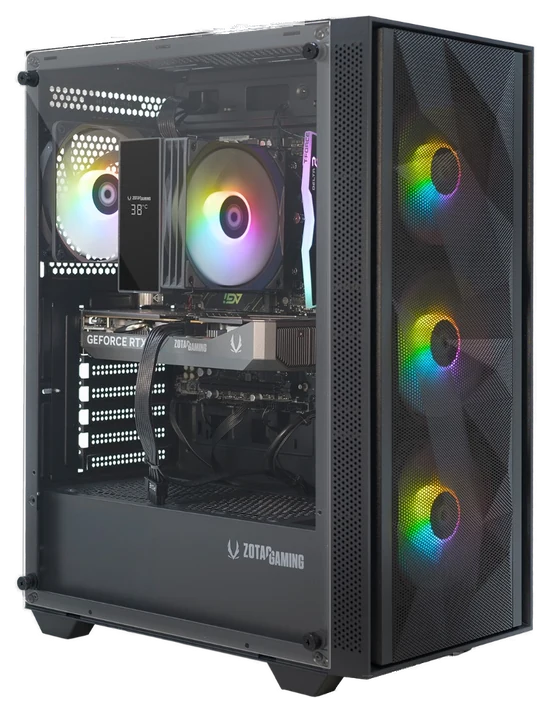
No. 1: Dell 27″ QHD Monitor (G2724D)
The Best Monitors and Docks: Fixing Desk Posture First
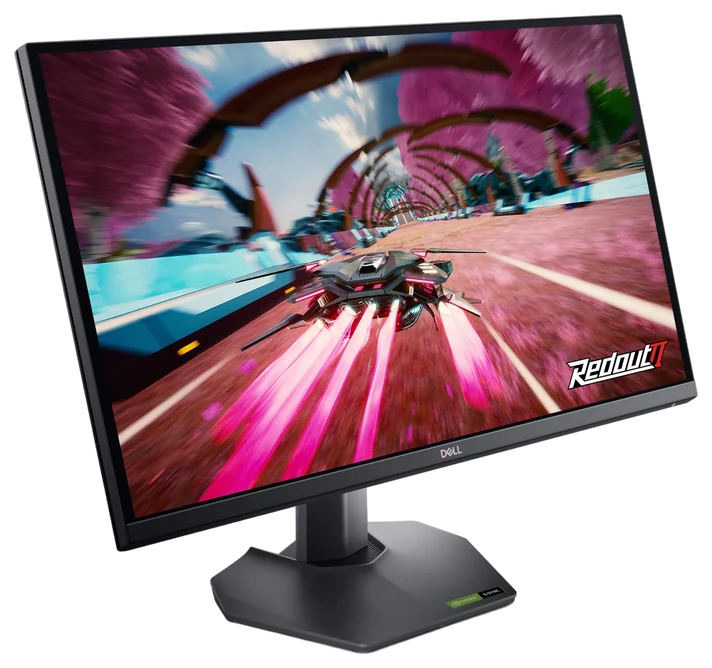
Five all-in-one computers for seniors, from ~$600 to ~$1,700. The Apple iMac is the simplest to set up, the HP OmniStudio 27 has the biggest touch screen for the money, and the Lenovo IdeaCentre is the lowest price with 16GB. We compared the makers' pages and retailer listings, not the machines.
No. 1 · Our pick · For most people
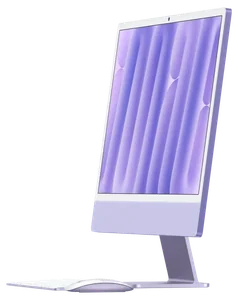
The Apple iMac 24-inch (M6), ~$1,499–1,700 (from $1,499 at Apple), if you want the simplest setup, with a keyboard and mouse in the box.
~$1,499–1,700Estimated price
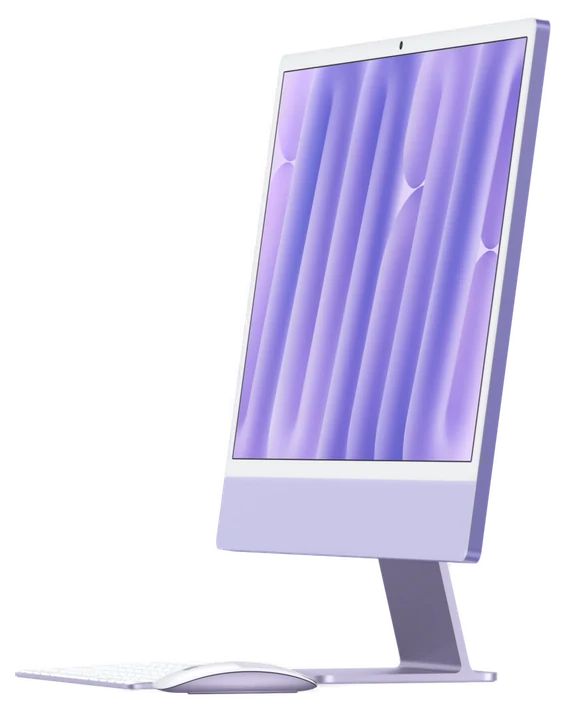 No. 1 · Simplest setupApple iMac 24-inch (M6)~$1,499–1,700View on Amazon
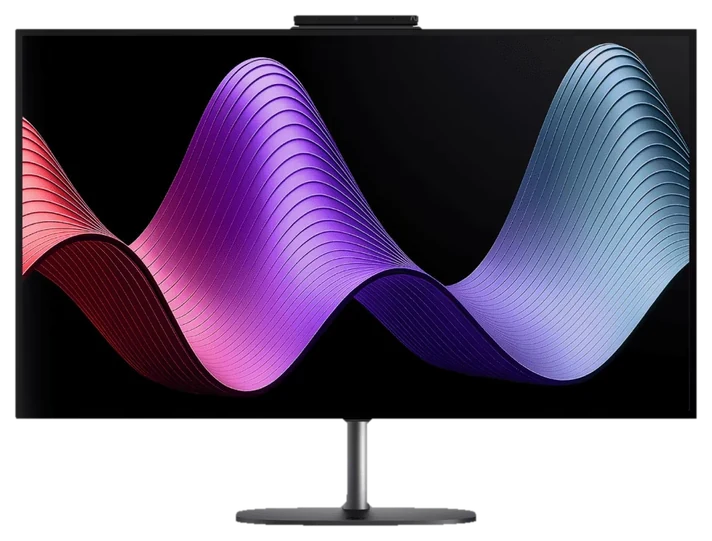 No. 2 · Best big screenHP OmniStudio 27 Touch~$1,000–1,200View on Amazon
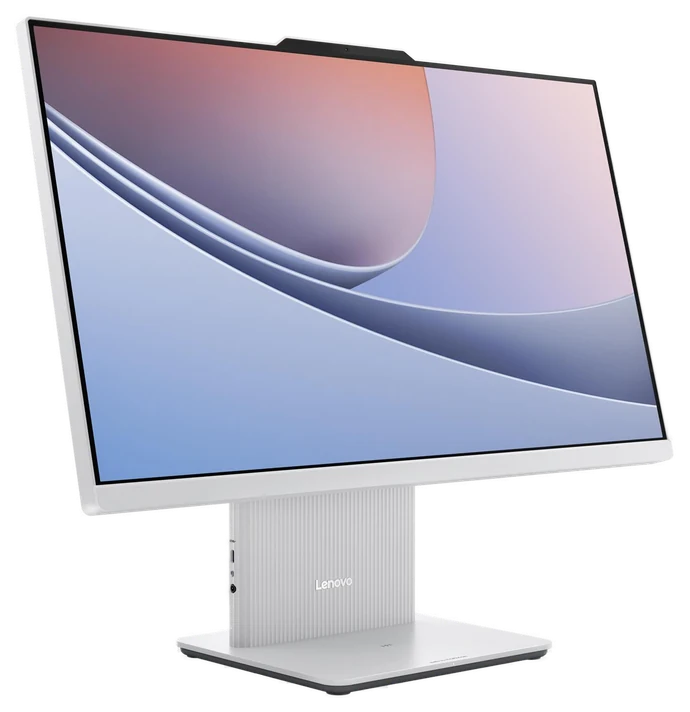 No. 3 · Best budgetLenovo IdeaCentre AIO 23.8~$600–1,000View on Amazon
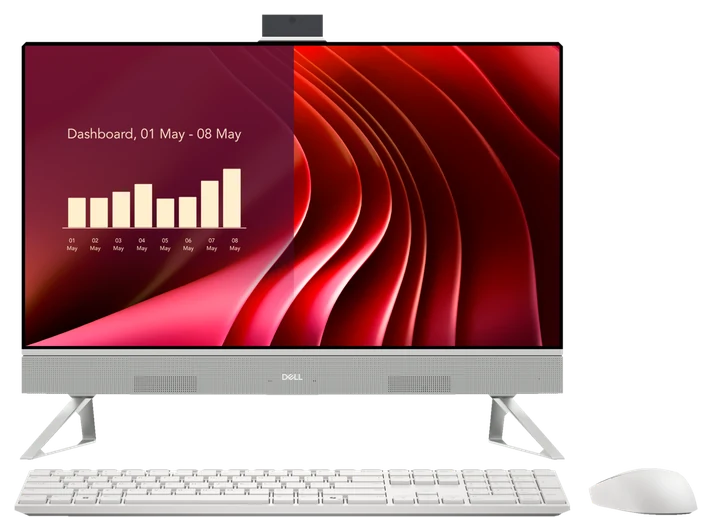 No. 4 · Best 24-inch touchDell 24 All-in-One Touch~$1,150–1,300View on Amazon
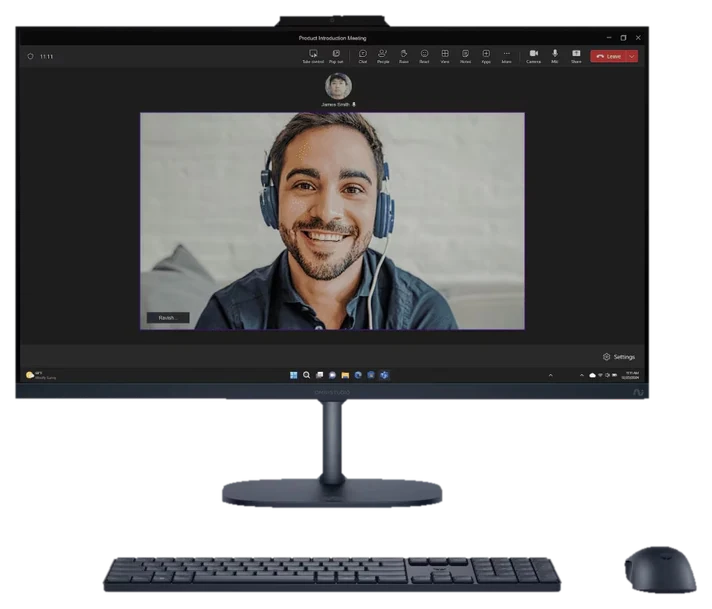 No. 5 · Lowest touch priceHP OmniStudio 24 Touch~$620–750View on Amazon
| Differences | No. 1Apple iMac 24-inch (M6) | No. 2HP OmniStudio 27 Touch | No. 3Lenovo IdeaCentre AIO 23.8 | No. 4Dell 24 All-in-One Touch | No. 5HP OmniStudio 24 Touch |
|---|---|---|---|---|---|
| Price rangeon one $600–1,700 scale | ~$1,499–1,700 | ~$1,000–1,200 | ~$600–1,000 | ~$1,150–1,300 | ~$620–750 |
| Screen | 24-inch 4.5K | 27-inch FHD | 23.8-inch 2K | 24-inch FHD | 23.8-inch |
| Memory / storage | 16GB / 256GB (base) | 16GB / 1TB | 16GB / 512GB | 16GB / 512GB | 8GB / 512GB |
| Touch | No | Yes | No | Yes | Yes |
From each pick’s review below. We compared maker specs and listings, not readings we took.
We compared screen size, memory, storage and price from Apple’s and HP’s pages and Best Buy’s listings, read on 23 Nov 2026. We didn’t set up or use any of these machines, and we couldn’t read Lenovo’s or Dell’s own spec pages. How we chose How we verify Corrections logged publicly
Pick 1 of 5: No. 1 · Simplest setup
One box, one cable, and a keyboard and mouse included
The Apple iMac 24-inch is the pick for someone who has never owned a computer, or who already uses an iPhone. Apple’s spec page lists a 24-inch 4.5K Retina display (23.5 inches diagonal), a 12MP Center Stage camera, a six-speaker system and 16GB of memory with 256GB of storage in the base models. The box holds the iMac, a Magic Keyboard, a Magic Mouse and a power cord, so nothing else is needed to start. Apple’s accessibility page for Mac lists VoiceOver.
Apple’s buy page starts at $1,499 for the base M6 model, read on 23 Nov 2026. The 12-core model costs more and adds a Touch ID keyboard and four Thunderbolt/USB 4 ports, against two on the 10-core base model; 24GB of memory or more storage also costs extra. The trade-offs are the highest price here and macOS, which differs from Windows. We didn’t read Apple’s warranty terms, and AppleCare+ is optional. Check the Amazon title says M6 and 24-inch.
Next: No. 2, HP OmniStudio 27 TouchTorn? Compare it with No. 2
Pick 2 of 5: No. 2 · Best big screen
A big touch screen for less than the iMac
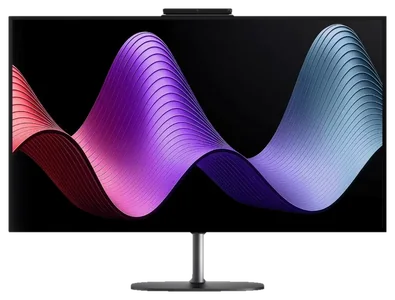
The HP OmniStudio 27 is the pick if a bigger, more readable screen matters most. Best Buy lists a 27-inch FHD touch display, a Ryzen AI 7 445, 16GB of memory and a 1TB SSD. HP’s OmniStudio comparison page lists a 5MP camera with a manual privacy shutter across the 24, 27 and X models, and HP describes 27 inches as the standard choice for desks 30 to 36 inches deep. Windows 11’s accessibility page lists Narrator, color filters and display and vision settings.
On 23 Nov 2026 Best Buy had it at $999.99 against a $1,619.99 “was” price, a holiday sale price; HP’s “was” price isn’t what it usually sells at, which is why we show a range. We didn’t read HP’s warranty terms or the box contents, so check the listing for a keyboard and mouse. It needs a desk about 30 inches deep, and it’s the biggest unit here.
Next: No. 3, Lenovo IdeaCentre AIO 23.8Torn? Compare it with No. 3
Pick 3 of 5: No. 3 · Best budget
The lowest price with 16GB of memory
The Lenovo IdeaCentre AIO 23.8 is the pick when price decides and 16GB of memory still matters. Best Buy lists a 23.8-inch 2K display, a Core Ultra 5 226V, 16GB of memory and a 512GB SSD. It isn’t a touch screen, so it suits someone who already uses a mouse. The chip is a 2024-era part, which is the trade-off against the newer HP and Dell models.
The sale price on 23 Nov 2026 was $599.99 at Best Buy, against a $999.99 “was” price. We couldn’t read Lenovo’s own spec page for this model, so the figures above come from the retailer’s listing, and we didn’t read the warranty terms or the box contents. If someone has trouble reading small text, the HP OmniStudio 27’s larger screen may suit them better.
Next: No. 4, Dell 24 All-in-One TouchTorn? Compare it with No. 4
Pick 4 of 5: No. 4 · Best 24-inch touch
A touch screen from a brand many people already know
The Dell 24 All-in-One is for someone who wants touch and a familiar brand and doesn’t mind paying for it. Best Buy lists a 24-inch FHD touch display, a Core Ultra 5, 16GB of memory and a 512GB SSD, and Dell sells it as the Dell 24 all-in-one desktop. It’s the same memory and storage as the Lenovo, with touch added.
Dell’s unit sold for $1,149.99 at Best Buy on 23 Nov 2026, a holiday sale price. We couldn’t read Dell’s page for support terms, the camera or the box contents, so we don’t rank it on service. At about $150 less, the HP OmniStudio 27 has a larger screen and twice the storage, which is why this is a close second rather than a top pick.
Next: No. 5, HP OmniStudio 24 TouchTorn? Compare it with No. 5
Pick 5 of 5: No. 5 · Lowest touch price
The lowest price for a touch screen, with a memory catch
The HP OmniStudio 24 Touch is the cheapest way to get touch on a Windows all-in-one. Best Buy lists a 23.8-inch touch display, a Core 3 304, 8GB of memory and a 512GB SSD. HP’s OmniStudio comparison page lists the same 5MP camera and manual privacy shutter as the larger models. We’d call 8GB thin for Windows 11 over several years of use; that’s our judgement, not a maker figure.
Best Buy’s 23 Nov 2026 price was $619.99, against a $969.99 “was” price. That’s within about $20 of the Lenovo, which has twice the memory but no touch. We didn’t read HP’s warranty terms or the box contents. If touch matters less than lasting several years, the Lenovo or the HP 27 is the safer buy.
Pick any two of the five. Rows that match say so once; the rest sit side by side, as each review states them.
Price range
~$1,499–1,700
~$1,000–1,200
Screen
24-inch 4.5K
27-inch FHD
Memory / storage
16GB / 256GB (base)
16GB / 1TB
Touch
No
Yes
6 common questions, answered.
Bigger is easier to read. A 24-inch screen fits a small desk; a 27-inch screen is more readable but needs a desk about 30 inches deep, per HP’s comparison page. That’s a judgement about readability, not a measured figure.
For some people, yes, since tapping can replace a mouse. Three picks here have touch: the HP OmniStudio 27, the Dell 24 and the HP OmniStudio 24. The iMac and Lenovo don’t.
Both systems have settings for it. Apple’s accessibility page for Mac lists VoiceOver, and Microsoft’s Windows accessibility page lists Narrator, color filters and display and vision settings, with Magnifier and text size described there.
The FTC says real security warnings never ask you to call a phone number, and that legitimate tech companies don’t contact you out of the blue about a problem. Scammers often ask for remote access and payment by gift card or wire; report scams at ReportFraud.ftc.gov.
The iMac does: Apple lists a Magic Keyboard and Magic Mouse in the box. We didn’t read the box contents for the HP, Lenovo or Dell models, so check the listing before you buy.
Choose the system that whoever helps them already knows. A person with an iPhone will find the iMac familiar; someone used to Windows will find the HP, Lenovo and Dell picks closer to what they know. For a lighter option, see Chromebook Plus vs. Chromebook.
We compared screen size, memory, storage and price from Apple’s and HP’s pages and Best Buy’s listings, read on 23 Nov 2026. We didn’t set up or use any of these machines, and we couldn’t read Lenovo’s or Dell’s own spec pages. Prices are shown as estimated ranges, from the price we read up to the maker’s regular price. Updated November 2026. Prices are always moving, so every button and link pulls the live listing.
How we rank
Published specifications, verified owner reviews, and independent safety or standards data where it applies — weighted the same for every pick, never sponsored placement.